


Did you know just one inch of water can cause up to $25,000 worth of damage to your home? Water leaks are one of the most expensive and disruptive disasters for San Diego homeowners, but there’s good news—smart water leak detectors offer fast, reliable protection before problems spiral out of control. In this friendly, Bob Vila-inspired guide, you’ll learn how these smart devices work, what features matter most, how much you’ll pay, and why every San Diego home should consider installing a smart leak detector for peace of mind, security, and savings.
Startling Facts: Why Smart Water Leak Detectors Are Essential in San Diego
"Just one inch of water can cause $25,000 worth of damage to your home." — FEMA
The Rising Cost of Water Damage and the Role of Smart Water Leak Detectors
Water damage is one of the most costly home repairs faced by San Diego residents, frequently caused by burst pipes, leaking appliances, or unnoticed drips in high-traffic areas such as kitchens and bathrooms. Over the last decade, insurance claims for water damage have soared—experts attribute this rise to aging infrastructure and increased water usage patterns in urban areas. A single undetected leak can rapidly escalate, soaking floors, walls, and even structural supports.
Smart water leak detectors step in as proactive guardians, using cutting-edge leak sensor technology to catch tiny moisture changes. These devices send instant alerts to your smartphone or smart home hub, so you can react before a minor drip turns disastrous. If you’ve ever seen warped baseboards or the aftermath of a water heater failure, you know firsthand how vital these detectors are. Saving thousands in repair costs, reducing insurance headaches, and protecting family heirlooms makes smart leak technology an essential upgrade—not a luxury—in San Diego homes.

How San Diego’s Unique Climate Calls for Advanced Water Leak Detectors
San Diego is famous for its mild Mediterranean climate, but periods of heavy seasonal rain, drought cycles, and fluctuating humidity can wreak havoc on plumbing systems. Extreme weather swings often lead to pipe contraction and expansion, resulting in unseen leaks within walls or crawlspaces. High groundwater and coastal conditions make below-grade leaks especially risky for homes near the ocean.
A water leak detector specifically designed for these climate challenges offers a tailored solution for local residents. Advanced smart water leak detectors and wifi water sensors provide around-the-clock monitoring—even sending alerts while you’re on vacation or at work. Forgetting to address a slow leak can turn San Diego’s dry summers into mold-infested nightmares by autumn. Equipped with remote sensors and real-time monitoring, smart devices empower proactive homeowners to protect every square inch, even if you’re out catching waves instead of worrying about water leaks.
What You’ll Learn About Smart Water Leak Detectors
- Key features that set smart water leak detectors apart
- Comparative prices for leak detector models
- Expert installation tips for smart water leak detectors
- Our top picks for water leak detection in San Diego
Understanding Smart Water Leak Detectors and How They Work
What Is a Smart Water Leak Detector and How Does It Work?
A smart water leak detector is a high-tech device designed to safeguard your home from the disastrous effects of water leaks. Unlike traditional sensors, these smart water sensors constantly monitor for moisture, temperature changes, or even abnormal water flow. As soon as a leak—or even a hint of one—is detected, the water sensor sends a real-time alert to your phone, email, or smart home dashboard. Some advanced water monitors can automatically shut off your main valve or connect with home automation devices for added protection.
Most devices employ leak detectors with sophisticated built-in probes that react instantly to changes. Place them near hot water heaters, behind toilets, under sinks, or in laundry rooms—anywhere a leak could start. Smart water leak detectors often sync with WiFi or Bluetooth, providing remote control and data access whether you’re across town or on vacation. With features like customizable alerts, historical trend tracking, and even integration with Google Assistant or Alexa, the modern leak detector goes well beyond beep-and-blink systems of the past, offering true peace of mind to busy San Diego families.

Smart Home Integration: Syncing Water Leak Detectors With Other Smart Devices
Today’s smart home is more interconnected than ever, making it easy for smart water leak detectors to seamlessly blend with home automation systems. With simple setup, your water leak detector can sync with existing smart devices—from security cameras to thermostats. Imagine getting a real-time leak alert, and instantly seeing live video of the affected area, or having your smart thermostat pause heating in that zone to prevent further damage.
Most top brands—including Moen Smart, Eve Water Guard, and Phyn Smart—support integration via popular smart hubs (like Samsung SmartThings or Apple HomeKit). Single app dashboards enable easy management and reporting; you can view status, silence false alarms, or even trigger shut-off valves directly from your phone. Home automation with smart leak detectors saves valuable minutes, reduces panic, and delivers peace of mind—all vital advantages for tech-loving San Diego households.

Types of Smart Leak Detectors: Wireless, Wifi-enabled, and Standalone Models
Smart water leak detectors come in a variety of models tailored to different needs and budgets. Wireless detectors offer easy placement and battery-powered convenience, ideal for renters or frequent movers who need flexible protection. WiFi-enabled leak detectors provide real-time updates and seamless smartphone integration, making them perfect for homeowners who want remote monitoring and smart home compatibility.
Standalone models offer essential leak detection features without requiring WiFi connectivity, making them a smart choice for spots like garages, attics, or secondary buildings. Advanced units often allow multiple sensors to be networked together, creating a blanket of protection across your home’s most vulnerable points. Today’s best devices support downloadable firmware updates, ensuring long-term value and future-proof security for San Diego homeowners.
Key Features of Top Smart Water Leak Detectors
Automatic Alerts & Remote Monitoring
A defining feature of smart water leak detectors is their ability to provide automatic alerts and remote monitoring. Instead of relying on an audible alarm you might miss, today’s water leak detectors send proactive push notifications, texts, or emails directly to your smartphone the moment a leak is detected. For winter snowbirds, frequent travelers, or Airbnb hosts, this means you can act within seconds—no matter where you are.
Remote monitoring features not only speed up the response time to a leak sensor alarm but also enable you to review historical data, track patterns in water usage, and even keep family members or trusted neighbors in the loop. Top brands excel here, offering multiple user profiles and facilities for custom alert thresholds. This wealth of information empowers San Diego homeowners to catch problems early, minimize water damage, and save potentially thousands of dollars on repairs or lost valuables.
Battery Life, Connectivity, and Compatibility
Battery life is a crucial benchmark when selecting a smart water leak detector. The most reputable brands, such as Eve Water Guard, Moen Smart, and Phyn Smart, offer devices that run for years on a single battery—often outlasting the typical lifespan of low-cost, generic detectors. Some models even include rechargeable options, further reducing maintenance and waste.
Robust connectivity is equally important. Wifi water leak detectors deliver near-instant communication, ensuring that every drop is monitored, and every alert is received—whether you’re inside your San Diego home or checking in remotely. Compatibility with smart home systems like Alexa, Google Home, or Apple HomeKit allows centralized control, voice commands, and automation with other home devices. Seek devices that allow firmware updates and integrate with multiple platforms for a truly future-proof investment.
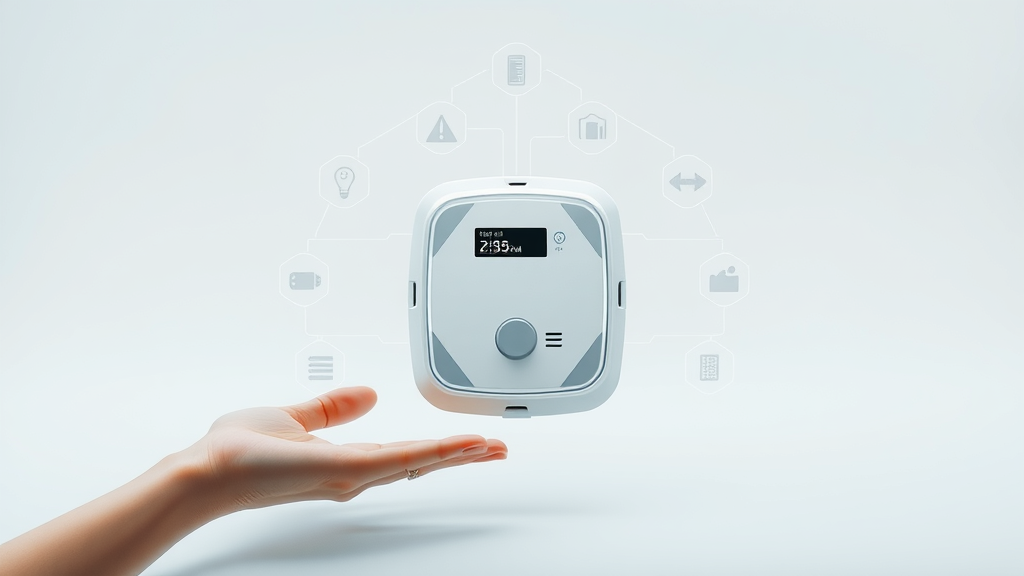
Notable Brands in Smart Water Leak Detection: Moen Smart, Eve Water Guard, and Phyn Smart
Choosing the right brand can make all the difference in protection and reliability. Moen Smart is known for its robust moisture detection technology, customizable alerts, and strong support for smart home platforms. Eve Water Guard offers extensive coverage with a flexible extension cable, ideal for larger footprints and tricky corners. Phyn Smart Water Sensor stands out with advanced water usage analytics, making it easy for eco-conscious homeowners to monitor and reduce consumption while ensuring fast leak response.
- Industry-leading moisture detection
- Customizable water usage analytics
- Integration with home assistants
| Model | Cost | Coverage Area | Connectivity | Extra Features |
|---|---|---|---|---|
| Moen Smart Leak Detector | $50-$89 | Medium/Large (expandable) | WiFi / Smart Home | Auto shut-off, robust app, integration |
| Eve Water Guard | $79-$99 | Large (6.5 ft extension cable) | Apple HomeKit / WiFi | Loud siren, broad coverage, easy setup |
| Phyn Smart Water Sensor | $50-$99 | Customizable / Whole-home | WiFi / Alexa | Usage analytics, remote monitoring, alerts |
Smart Water Leak Detectors: Cost Breakdown & Value Analysis
Initial Investment vs. Long-Term Water Damage Savings
Many homeowners ask, “Are smart water leak detectors worth the cost?” When you consider that average water damage repair in San Diego ranges from $5,000 to $30,000 or more, investing $50–$100 per device is a smart move. The initial expense covers not just the hardware but years of potential savings in insurance deductibles, repair bills, and priceless assets like mementos and photo albums.
Long-term, these detectors provide ongoing value. Proactive detection prevents large-scale restoration projects—from repairing hardwood floors to mitigating mold infestations. Home insurance companies increasingly reward proactive customers with discounts, translating to further savings. In short, the up-front investment in a leak detector pays off manifold by stopping small problems before they balloon into disasters.

Average Costs of Smart Water Leak Detectors in San Diego
On average, most smart water leak detectors retail between $40 and $120 in San Diego. Entry-level standalone units can be found for as little as $35, while advanced wifi-enabled leak sensors designed for larger homes with multiple sensors may cost $100–$150. Installation fees for professional service (if desired) range from $50 to $200, depending on system complexity and integration needs.
The key is to balance cost with features like coverage area, app reliability, and compatibility with your existing smart home devices. Most San Diego homeowners find that outfitting the most vulnerable areas—under sinks, near the water heater, laundry rooms, and at the main plumbing entry—costs less than a single insurance deductible. Don’t forget: some leading brands also offer multi-pack savings for widespread coverage or bundled solutions with extended warranties.
Energy Efficiency & Water Usage Monitoring Benefits
Beyond immediate leak detection, smart water leak detectors promote energy efficiency and mindful water usage. Integrated water monitors offer real-time insight into your household’s consumption, identifying wasteful habits or potential malfunctions (like a constantly running toilet or slow leak in the irrigation system).
San Diego’s periodic drought mandates make these features especially attractive, helping residents track and cap usage to avoid fines and conserve valuable resources. Some smart water sensors can even shut off water automatically in an emergency, reducing needless consumption. These extra functions turn a simple leak detector into a comprehensive home efficiency system.
"A smart leak detector is a small price to pay for peace of mind and thousands in potential savings." — Local San Diego plumber
Installation Tips for Smart Water Leak Detectors in San Diego Homes
DIY Installation: Step-by-Step Guide
Many San Diego residents prefer the DIY approach—good news, as smart water leak detector installation is relatively straightforward! Most models arrive with step-by-step instructions and all necessary hardware. Start by identifying your home’s most vulnerable areas: water heater, under sinks, behind toilets, near washing machines, and around major appliances.
Simply place the leak sensor on the floor or wall, connect to your WiFi network using the manufacturer’s app, and test for communication and proper placement. Make sure each detector is within range of both water sources and your wireless router. Don’t forget to enable remote alerts and, if supported, smart home integration for maximum peace of mind. Check battery life and test sensors every six months to ensure they’re always ready to protect.
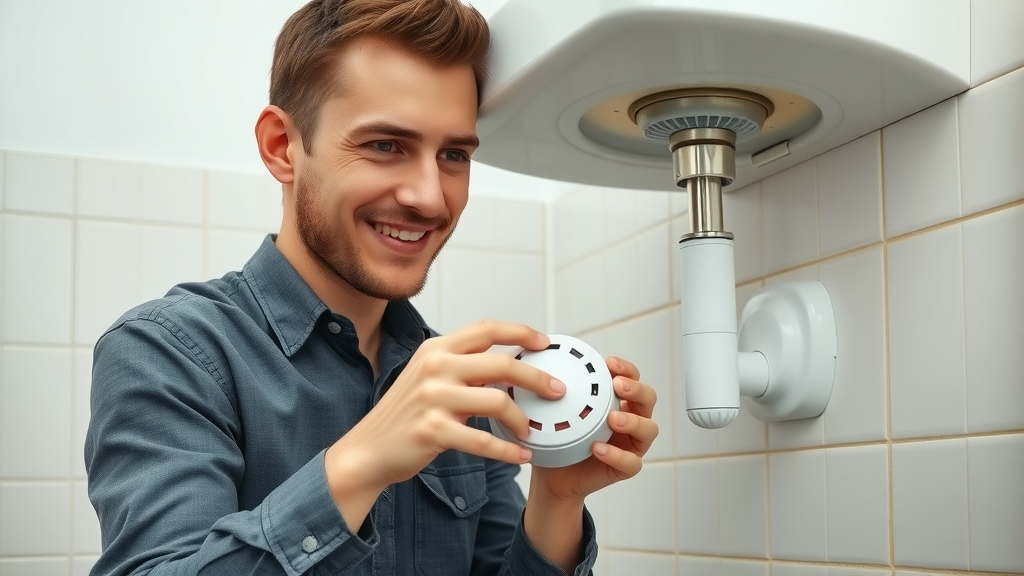
Professional Installation: When to Call the Pros
While many smart water leak detectors are user-friendly, complex installations involving multiple devices, smart shut-off valves, or advanced home automation might require professional help. Calling a local expert ensures proper placement, optimizes coverage, and prevents connectivity issues with your home’s WiFi or smart home systems. This is particularly critical in San Diego’s older homes, where unique plumbing or electrical layouts create hidden risks for leaks.
Pros also offer advice tailored to your property’s layout, integrating new detectors with existing alarm systems or custom home automation platforms. Hiring a certified installer gives you the assurance that every sensor is calibrated, tested, and actively protecting your investment. For maximum protection—and zero headaches—balancing DIY enthusiasm with professional support is often the smartest strategy.
- Evaluate your home's vulnerable spots
- Select the right smart leak detector model
- Placement best practices for optimal coverage
- Connect to WiFi and sync with your smart home system
- Test your water leak detector regularly
Review: Top Picks for Smart Water Leak Detectors in San Diego
Best Overall Smart Water Leak Detector
Hands down, the Moen Smart Leak Detector earns the top pick for San Diego households. With its flexible installation, robust smart home integration, automatic shutoff capabilities, and a stellar reputation for accuracy, Moen leads the way in preventing disaster. App notifications are fast and easy to configure, battery life exceeds industry standards, and its compatibility with both Alexa and Google Assistant cements its place at the top.
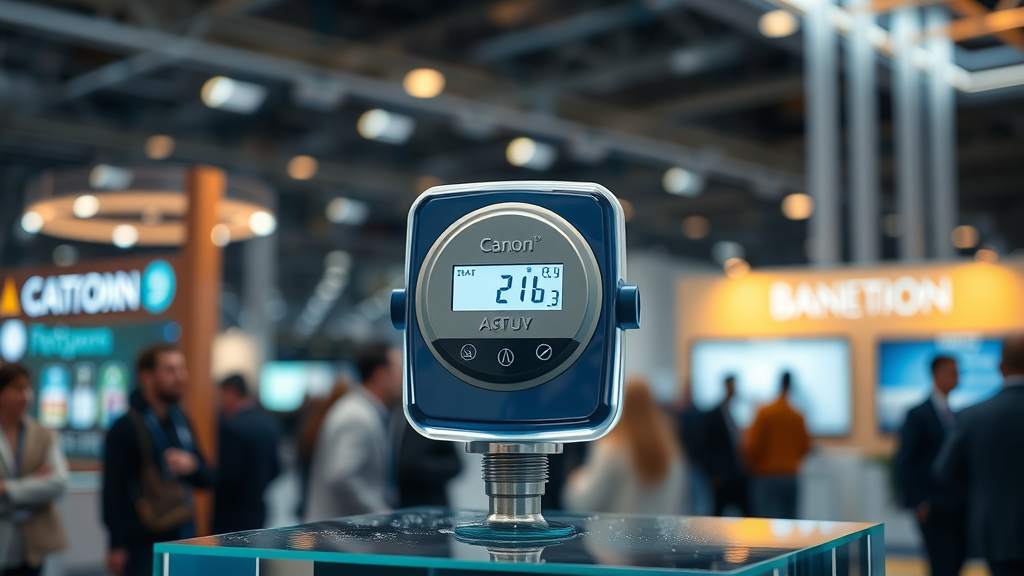
Best Wifi Water Sensor for Connectivity
When connectivity is your priority, the Eve Water Guard shines as the best WiFi water sensor for smart San Diego homes. Designed for Apple HomeKit integration, its 6.5-foot extension cable covers larger areas than most competitors, and it’s perfect for homes with dense layouts or basements. This smart water sensor not only sends immediate notifications but also features a loud siren for local alerts—doubling down on protection, whether you’re home or away.
Best Value Leak Detector for Larger Homes
Need full-home coverage at a fair price? The Phyn Smart Water Sensor is your best value detector for bigger San Diego properties or multi-level dwellings. Its customizable water monitor features, detailed water usage analytics, and straightforward app make setup easy and effective. Plus, its integration with Alexa and user-friendly multi-sensor design make it a standout for busy families and those wanting to cut water waste.
| Feature | Moen Smart | Eve Water Guard | Phyn Smart Water Sensor |
|---|---|---|---|
| Connectivity | WiFi, Alexa, Google | WiFi, HomeKit | WiFi, Alexa |
| Coverage Area | Expandable (multiple sensors) | Large (6.5 ft extension cable) | Customizable, multi-sensor ready |
| Water Usage Analytics | Yes | Limited | Advanced |
| App Experience | Intuitive, highly rated | Sleek, best for Apple users | Simple setup, data rich |
| Price | $$ | $$$ | $$ |
How Smart Water Leak Detectors Prevent Costly Water Damage
Early Detection: Stopping Water Leaks Before They Escalate
The core value of smart water leak detectors is clear: early detection equals minimal damage. By spotting leaks while they’re still small—often just a few drops—water leak sensors let you address problems before they become crises. This is especially important in vacation homes or rentals, where days could pass before anyone notices an issue.
Remote alerts and automatic shut-off features can literally stop the flow before severe flooding or mold sets in. For busy San Diego homeowners, this “set it and forget it” solution works in harmony with daily routines, protecting what matters most: your investment, your health, and your peace of mind.

Real-Life Examples: San Diego Homeowners Saved by Leak Monitors
Case studies tell the full story: One Rancho Bernardo family was away for the weekend when their Phyn Smart Water Sensor flagged an abnormal spike in water usage. The app alerted them instantly, and a neighbor shut off the main valve—saving thousands in what could have been catastrophic water damage. Another Del Mar resident credits their Moen Smart Leak Detector for catching a slow drip beneath a rarely used guest bathroom sink, avoiding months of silent floor and subfloor rot.
In every story, the common thread is rapid notification and fast action. Whether you opt for Eve Water Guard in a seaside condo or a multi-sensor network for a large family home, smart water leak detection has proven itself many times over as a silent hero for San Diego’s diverse array of properties.
Insurance Benefits and Discounts with Smart Water Leak Detectors
Here’s an often overlooked bonus: Many San Diego insurers now offer premium discounts for homes equipped with certified smart water leak detectors. When you install top-rated models like Moen Smart, Eve Water Guard, or Phyn Smart Water Sensor, document it and talk to your local agent—these upgrades can translate to annual savings as well as reduced deductibles after an approved claim. Pair that financial perk with the peace of mind you gain from early detection, and the case for installing smart leak detectors in San Diego practically makes itself.
People Also Ask: Smart Water Leak Detectors FAQs
What is the best smart water leak detector?
The best smart water leak detector blends robust sensor sensitivity, rock-solid wireless connectivity, and easy integration with smart home systems. In San Diego, the Moen Smart Leak Detector and Phyn Smart Water Sensor are the top-rated options for all-around value, reliability, and user support.
Do water leak detectors really work?
Absolutely. Modern water leak detectors are designed to detect even small leaks in real-time. They instantly send alerts to your phone or smart home hub, significantly reducing the risk of extensive water damage and making home protection practical for everyone.
How does a smart water leak detector work?
Advanced smart water leak detectors use specialized sensors to monitor for water presence or abnormal moisture. The instant any is found, the device sends an alert through WiFi or Bluetooth to your mobile device, enabling quick action and often saving thousands in repairs.
What is the most effective leak detection method?
The best method combines smart water leak detectors placed at all key risk points with continuous real-time monitoring and the option for professional installation and system checks. This layered approach ensures the fastest response and the best protection against household leaks.
Frequently Asked Questions: Smart Water Leak Detectors in San Diego
- How often should I test my smart water leak detector?
- Can a smart water leak detector be relocated?
- Are these detectors suitable for all building types?
- Do I need professional installation for my leak detector?
Key Takeaways: Why Every San Diego Home Needs Smart Water Leak Detectors
- Immediate leak alerts mean faster response times
- Wide range of options tailored for every home and budget
- Increased home security and lower insurance premiums
- Smart home compatibility for streamlined protection
Conclusion: Protect Your San Diego Home With Smart Water Leak Detectors
Smart Water Leak Detectors Offer Peace of Mind, Savings, and Smart Home Advantages
Don’t Wait—Prevent Water Damage Before It Starts
Take the next step to secure your investment—installing a smart water leak detector today preserves both your home and your wallet.
Contact Us: Get Expert Smart Water Leak Detector Installation
Call Gold Coast Flood Restorations at (619) 449-9611 for Trusted Installation and Local Support
Don’t leave your home’s safety to chance—call Gold Coast Flood Restorations at (619) 449-9611 for expert guidance, professional installation, and ongoing support in San Diego. Your family, home, and peace of mind are worth it!
Sources
- FEMA: Water Damage Facts
- Moen Smart Leak Detector
- Eve Water Guard
- Phyn Smart Water Sensor
- Bob Vila: Home Leak Prevention
- Gold Coast Flood Restorations
To further enhance your understanding of smart water leak detectors, consider exploring the following resources:
- “Best water leak detectors”
This comprehensive guide from Tom’s Guide, dated July 22, 2025, reviews the best water leak detectors to help homeowners prevent costly water damage. (tomsguide.com)
- “7 Best Smart Water Leak Detectors of 2025”
This article from Reviewed.com provides an in-depth analysis of the top smart water leak detectors available in 2025, highlighting their features, pros, and cons to assist homeowners in making informed decisions. (reviewed.com)
If you’re serious about safeguarding your San Diego home from water damage, these resources will provide valuable insights into selecting and installing the most effective smart water leak detectors.


Write A Comment