


Unconventional Fact: According to the National Fire Protection Association (NFPA), three out of five home fire deaths occur in buildings without working smoke alarms. Proper smoke detector installation could mean the difference between life and tragedy. In this essential guide, you’ll learn how to protect your family and avoid the most common — and deadly — mistakes homeowners make when installing smoke alarms.
What You'll Learn About Smoke Detector Installation
Essential steps for effective smoke detector installation
Common mistakes to avoid with smoke detector installation
Current NFPA requirements for smoke alarms in homes
Expert insights from licensed electrician Nathan Tiner
Answering top questions related to smoke alarm and smoke detector installation

The Critical Importance of Proper Smoke Detector Installation
"A single overlooked detail in your smoke detector installation can make the difference between safety and tragedy." – Nathan Tiner, ABR Electric
Ensuring correct smoke detector installation is not just a matter of compliance—it's a matter of protecting your home and family from potentially fatal fires. The NFPA continually shares that early warning is the biggest factor in survival during a home fire. Installing a functioning smoke alarm on every level of your home, inside and outside sleeping areas, drastically improves your chances in the event of smoke or fire. Too often, improper installation—placing detectors too close to the kitchen, missing required locations, or faulty wiring—leads to false alarms, missed warnings, or, worst of all, silence during an emergency.
Compliance with up-to-date NFPA standards ensures your smoke detectors operate as a true life-saver rather than an afterthought. A properly installed smoke alarm detects smoke early, buying you and your family precious seconds to evacuate. Whether you’re installing a smoke detector for the first time or upgrading to smart interconnected alarms, taking every step seriously can mean the difference between minimal damage and a devastating loss. Missteps, like overlooking required locations or skipping battery checks, put your home and family at unnecessary risk.
Why Every Home Needs Up-To-Code Smoke Alarm Installation
Role of smoke alarms in home fire safety: Smoke alarms are the first defense in fire safety, alerting occupants often before they see or smell smoke. They are especially vital overnight or in sleeping areas, keeping families safe while they rest.
NFPA statistics on household fires and fatalities: The National Fire Protection Association documents that homes without properly installed smoke detectors face double, and sometimes triple, the fatality rates compared to those with up-to-code alarms. Early alarm systems provide critical warning.
Recommended placement for maximum protection: For optimal fire protection, install a smoke alarm near every sleeping area, not directly in the kitchen but at least 10 feet away from cooking appliances to avoid false alarms. Place detectors on every level of your home for comprehensive coverage.
Understanding Different Types of Smoke Detectors and Alarms
Type |
Best For |
Placement Tip |
|---|---|---|
Ionization |
Fast-flaming fires |
Hallways, living areas |
Photoelectric |
Smoldering, smoky fires |
Bedrooms, near kitchens |
Dual-sensor |
Comprehensive protection |
Whole house |
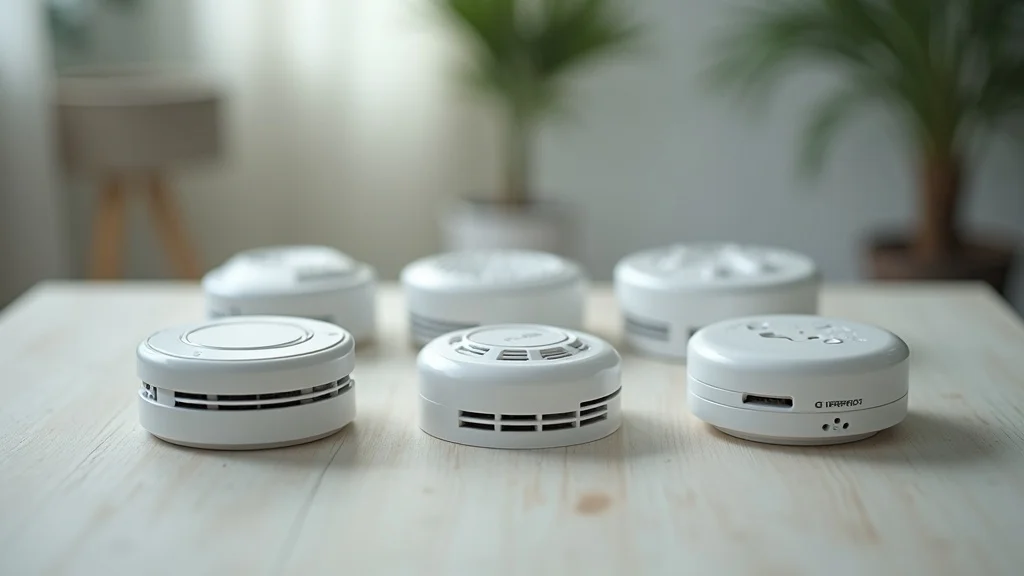
Choosing the right smoke alarm begins with understanding how different technologies respond to fire scenarios. Ionization alarms are faster at detecting flames, making them best for general living spaces. Photoelectric alarms are less likely to cause false alarms from cooking and excel in detecting smoky, slow-burning fires commonly found in bedrooms or near kitchens. Dual-sensor models offer complete coverage by combining both types, maximizing fire safety across all situations. Always match detector type and placement to your home layout to avoid missteps and optimize protection.
Many modern homes now incorporate carbon monoxide alarms and smart technologies within their smoke alarm systems. Interconnected or wireless alarms ensure that when one detector sounds, all alarms alert the household, crucial for larger homes or when multiple levels are involved. These advanced systems help ensure you won't miss critical warnings even when you’re far from the initial source of danger, providing peace of mind that every room is protected.
Choosing the Right Smoke Detector for Home and Family
Evaluate risks and choose based on home layout: Homes with open layouts or multiple levels benefit from interconnected systems. Identify rooms that may benefit from extra fire protection—such as nurseries, workshops, and finished basements—and select appropriate smoke detector models for each.
When to install a smoke alarm with CO detection: If your home has fuel-burning appliances, fireplaces, or attached garages, select a smoke and carbon monoxide alarm for added protection against multiple hazards at once.
Latest smart and interconnected smoke alarms: Smart alarms offer features like mobile notifications, voice alerts, and automatic testing. These innovations make it easier for families to monitor their fire safety landscape and ensure that maintenance, like battery replacement, is never overlooked.
Where and How to Install a Smoke Detector: Step-by-Step Guide
Effective smoke detector installation starts with proper planning. Believe it or not, a poorly positioned detector can lead to false alarms, missed warnings, or violations of local fire code. It’s not only about having a smoke alarm but also making sure it is at the right spot and installed according to the latest NFPA guidelines. Let’s explore a professional’s approach to both placement and step-by-step methods.
According to Nathan Tiner, “When you install a smoke detector according to NFPA specifications, you give your family the precious seconds needed to escape. ” Start by reading manufacturer instructions—different types of smoke alarms may have slightly different requirements. Next, plan for installation: have your drill bit, screws, a power source (for hardwired models), and a sturdy ladder ready. Never mount smoke detectors in drafty areas or within a remodeling box that restricts airflow. Adhering to these critical installation details helps ensure your alarms operate flawlessly when every second counts.
Key Placement Rules for Smoke Detector Installation
Install each smoke detector at least 10 ft from kitchen appliances (NFPA guideline).
Mount smoke detectors on the ceiling, at least 4 inches from walls and corners.
Avoid installing near ducts, vents, or ceiling fans to reduce false alarms and false negatives.
Place smoke alarm units inside and outside sleeping areas and on every home level.
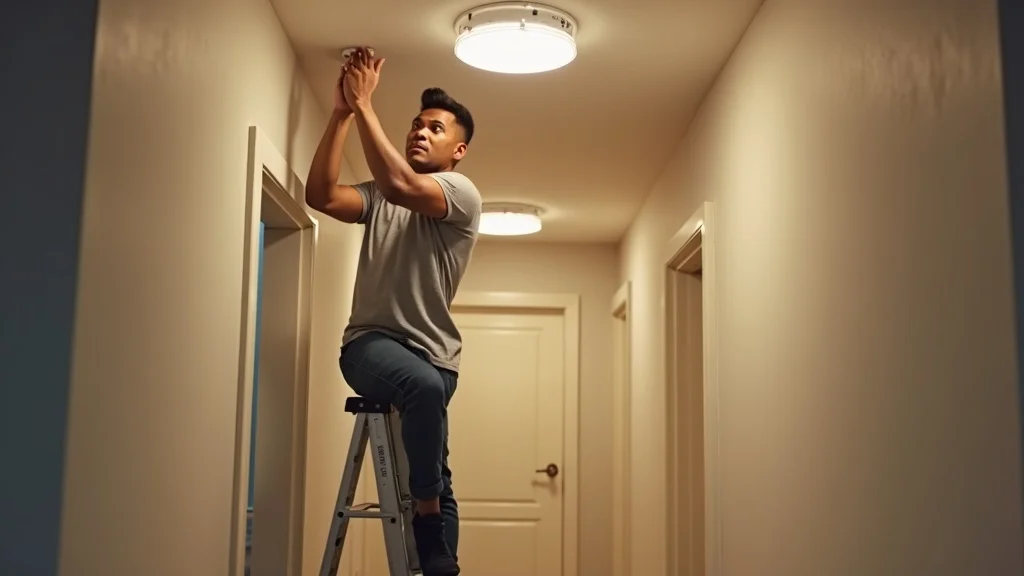
"Installing a smoke detector within NFPA specifications gives your family the precious seconds needed to escape." – Nathan Tiner, ABR Electric
Placement is key—smoke rises, and detectors should be installed at the highest point in a room, away from corners or obstructions. Regularly check that each device is working by pressing the test button and completing annual maintenance. Avoid placing smoke alarms directly in kitchens or bathrooms, as steam or cooking smoke may result in annoying false alarms. Instead, select nearby spots that balance safety with reliability, minimizing disruption to daily life while maximizing protection.
Do-It-Yourself or Hire a Pro for Smoke Detector Installation?
Basic battery-powered vs wired smoke detector installation: Installing a battery-powered smoke alarm typically requires only minimal tools and a few minutes. However, hardwired smoke detector installation may demand knowledge of electrical systems, proper connections to a remodeling box, and code-compliant wiring for interconnected alarms.
When to consult a professional electrician: If you are adding new wired alarms, replacing outdated systems, or seeking to interconnect multiple detectors, it’s best to hire a licensed electrician. Mistakes—like loose wiring, misaligned screw holes, or improper placement—can render even the best smoke detector useless.
Common installation errors homeowners make: Placing detectors too close to vents, installing units upside down, ignoring regular battery or power checks, or skipping critical locations inside and outside every sleeping area are all frequent and potentially dangerous errors.
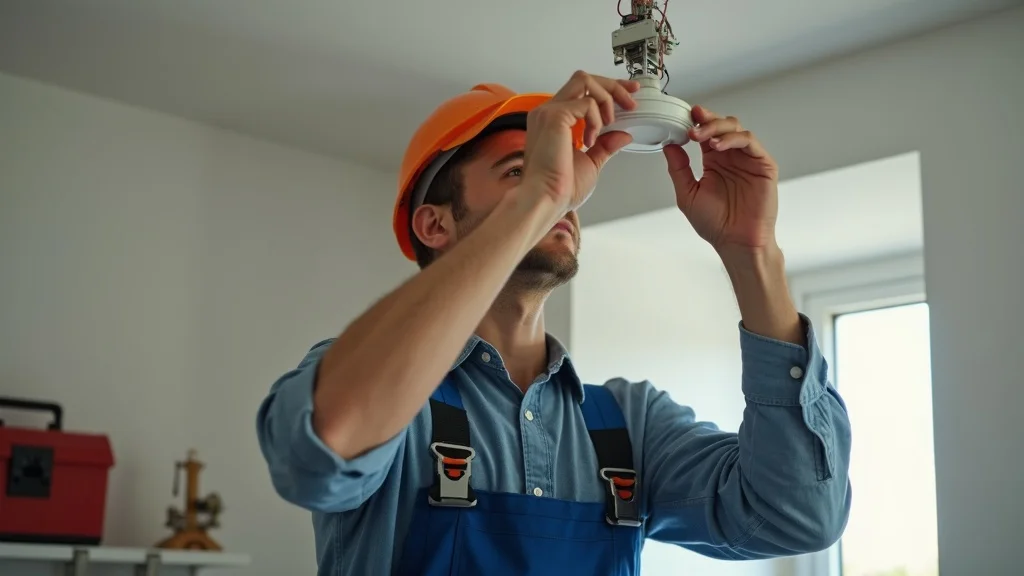
While confident DIYers may tackle battery-operated smoke alarm installation on their own, always consider professional help when dealing with your home’s electrical system. An electrician ensures not only compliance with city code and the National Fire Protection Association rules but also tests all alarms for function and network connectivity during installation. Avoid costly mistakes and extra false alarms that undermine fire safety by getting help where it matters most.
Tour of optimal and suboptimal placements in real homes
Illustration of correct distances from kitchen, doors, and ducts
Practical tips on installation best practices
People Also Ask: All About Smoke Detector Installation
How much does it cost to put in a smoke detector?
Answer: The cost of installing a smoke detector depends on the type chosen, whether it's battery-operated or hardwired, and if a professional electrician is needed. Factors such as device quality, complexity of the installation, and the total number of alarms to be placed will all influence your final investment. Keep in mind that investing in the right installation protects lives and is always worth it.
Do you need an electrician to install a new smoke detector?
Answer: For battery-powered smoke alarms, most homeowners can install these units themselves by following the manufacturer’s guidelines. However, installation of hardwired smoke detectors or interconnected systems is best left to a licensed electrician, who will ensure safe wiring and compliance with local, state, and NFPA code.
Does Cove have smoke detectors?
Answer: Yes, Cove offers smoke detectors as part of their smart home security solutions, integrating fire and smoke alarm safety with advanced monitoring technology for a safer, smarter home environment.
How much would an electrician charge to install a smoke alarm?
Answer: Fees vary by electrician and depend on labor costs, difficulty working with existing wiring, and property layout. Additional factors include the number and types of detectors installed and the ease of access to installation areas. Always request an estimate before proceeding.
Frequently Asked Questions About Smoke Detector Installation
How often should smoke alarms be replaced?
Every smoke alarm should be replaced at least every ten years or as recommended by the manufacturer to ensure proper fire safety and reliability.What maintenance is required for smoke detectors?
Test every unit monthly, replace batteries annually (if not hardwired with backup), and keep each smoke detector clean and free from obstructions to avoid false alarms and missed warnings.Can smoke alarms be interconnected wirelessly?
Yes, many modern systems offer wireless interconnection, allowing all alarms to sound together without complex wiring throughout the home, greatly enhancing safety and ease of installation.Where should smoke detectors be avoided?
Avoid placing smoke detectors directly in kitchens, bathrooms, garages, or too close to vents/fans to minimize false alarms and maximize true fire detection capability.Are smoke detector laws the same in every state?
No, while most states follow close variations of the NFPA and national fire protection guidelines, local regulations may vary, especially regarding detector type and placement requirements; always consult your local fire code.
Video Guide: Live Smoke Detector Installation and Troubleshooting Tips
Demonstration of smoke alarm testing procedures
Visual checklist for installing smoke alarms outside sleeping areas
Resolving common issues and installation mistakes with easy troubleshooting tips
Watch a live demonstration as Nathan Tiner shows you how to test your smoke detectors, what steps to follow for reliable installation outside sleeping areas, and how to avoid or quickly fix common installation mistakes. Simple routines—like pressing the test button and visually checking for obstructions, battery placement, or improper wiring—can prevent false alarms and ensure your smoke detectors function properly, giving you reliable fire protection year after year.
It’s also important to review the entire smoke alarm system after installation: make sure all alarms work, use a smoke test spray if recommended by the manufacturer, and keep a regular maintenance log so you know when to replace batteries or units. With careful smoke detector installation and ongoing attention, the risk of accidental silence or false alarms can be drastically minimized, making your home a safer place for everyone.
Key Takeaways for Safe and Effective Smoke Detector Installation
Proper smoke detector installation is critical to home and family safety
Follow current NFPA recommendations for placement and type
Consider professional installation for wired or interconnected alarms
Regular maintenance and testing extend the life and effectiveness of each smoke alarm

Ensure Your Family’s Safety—Schedule a Professional Smoke Detector Installation Today
Take the next step for your family’s safety. Secure peace of mind by ensuring every smoke detector in your home is installed and maintained to professional standards. Trust experienced electricians like Nathan Tiner, and keep your loved ones protected from the unexpected.


Write A Comment